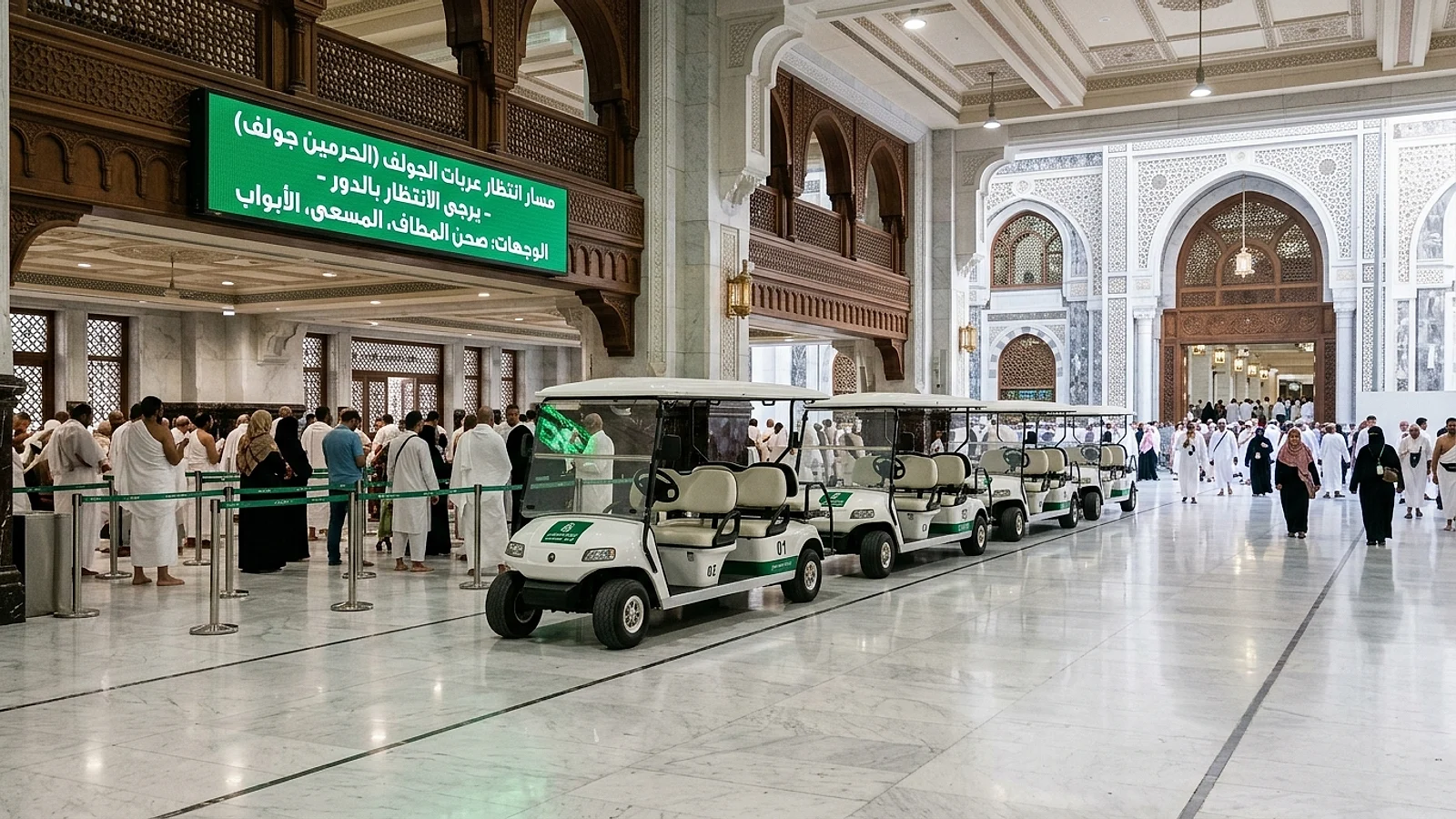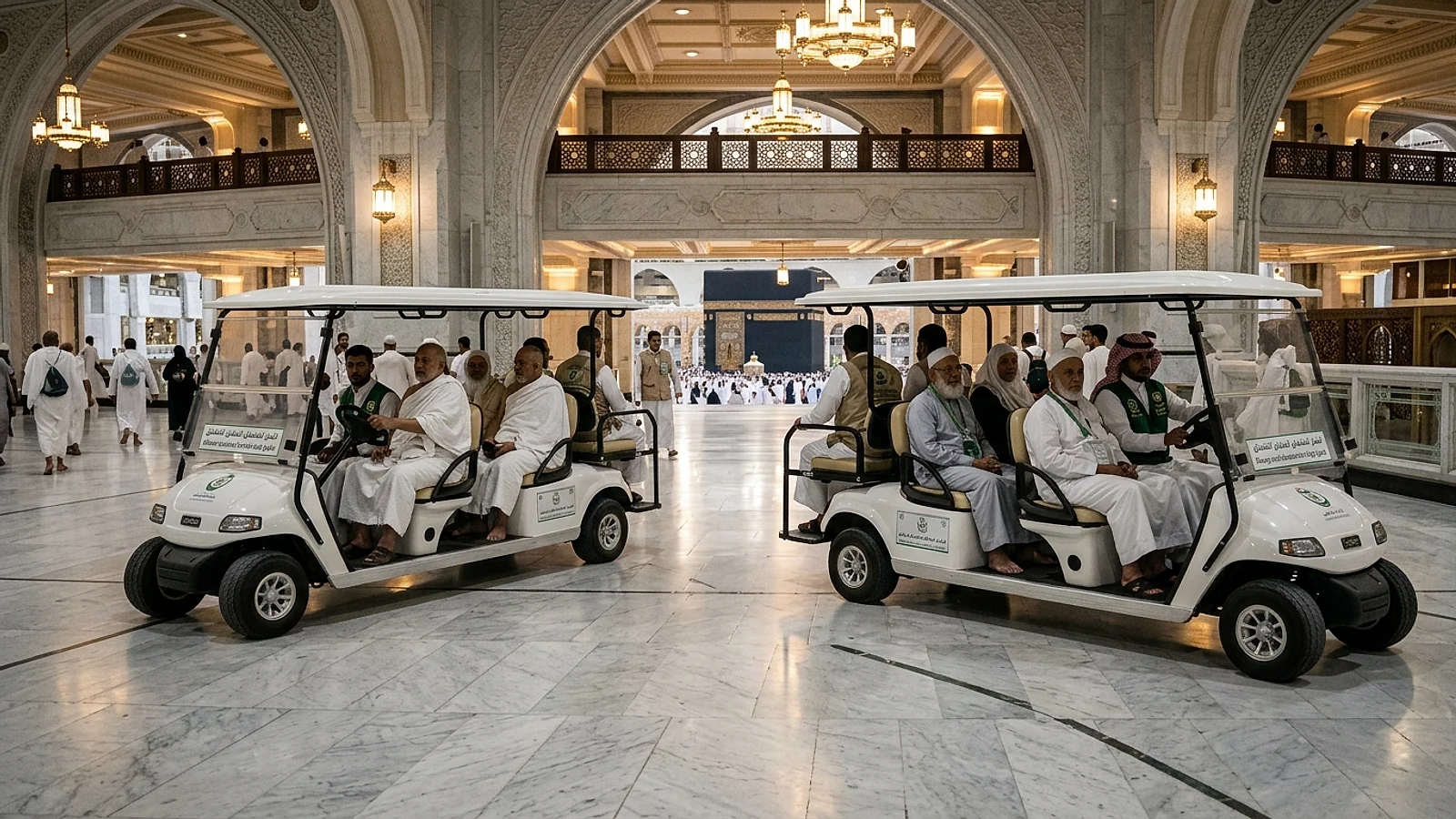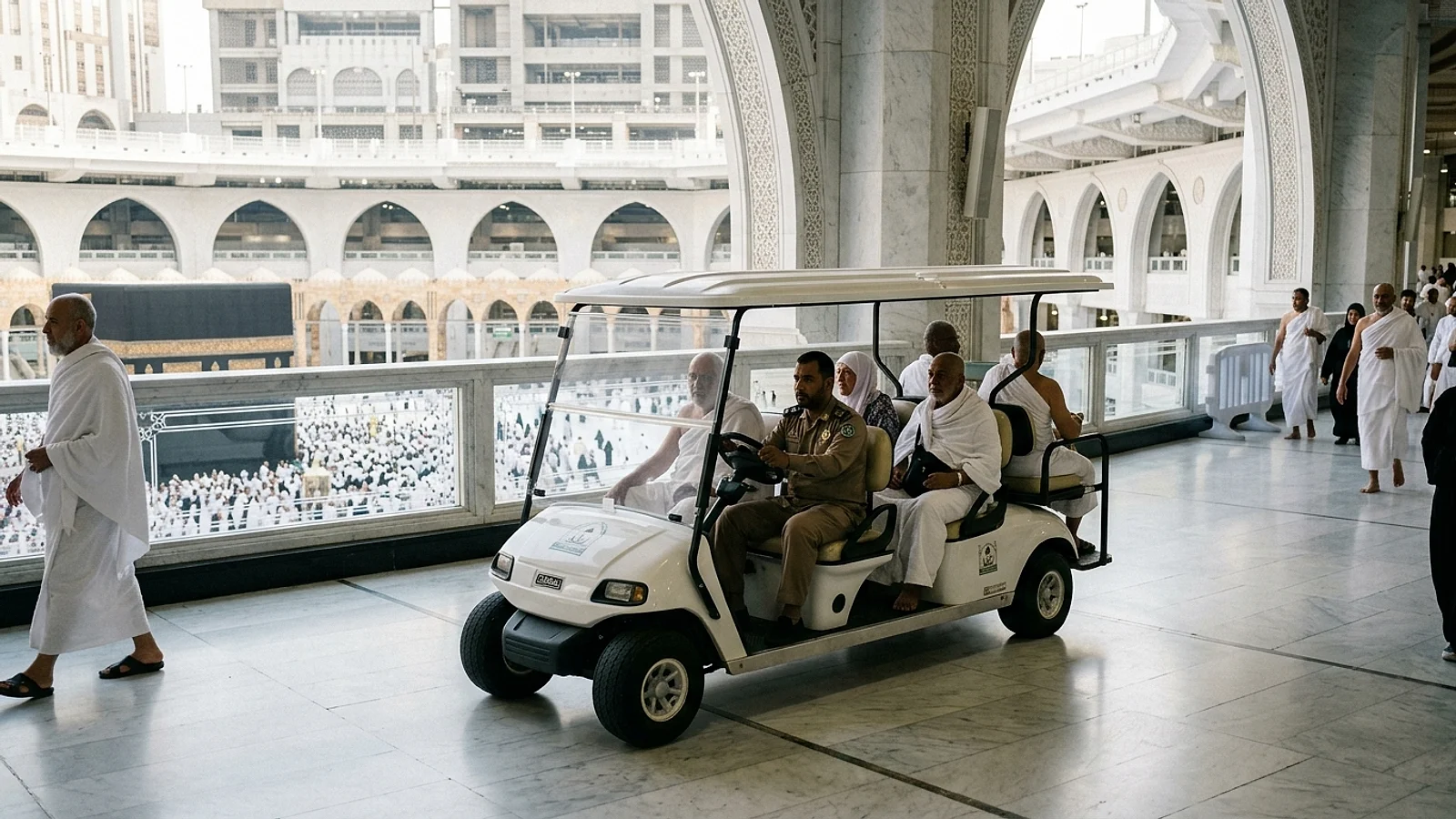


Complete Guide to Booking Grand Mosque Carts via Nusuk & Tanaqqol 2026: Steps & Troubleshooting
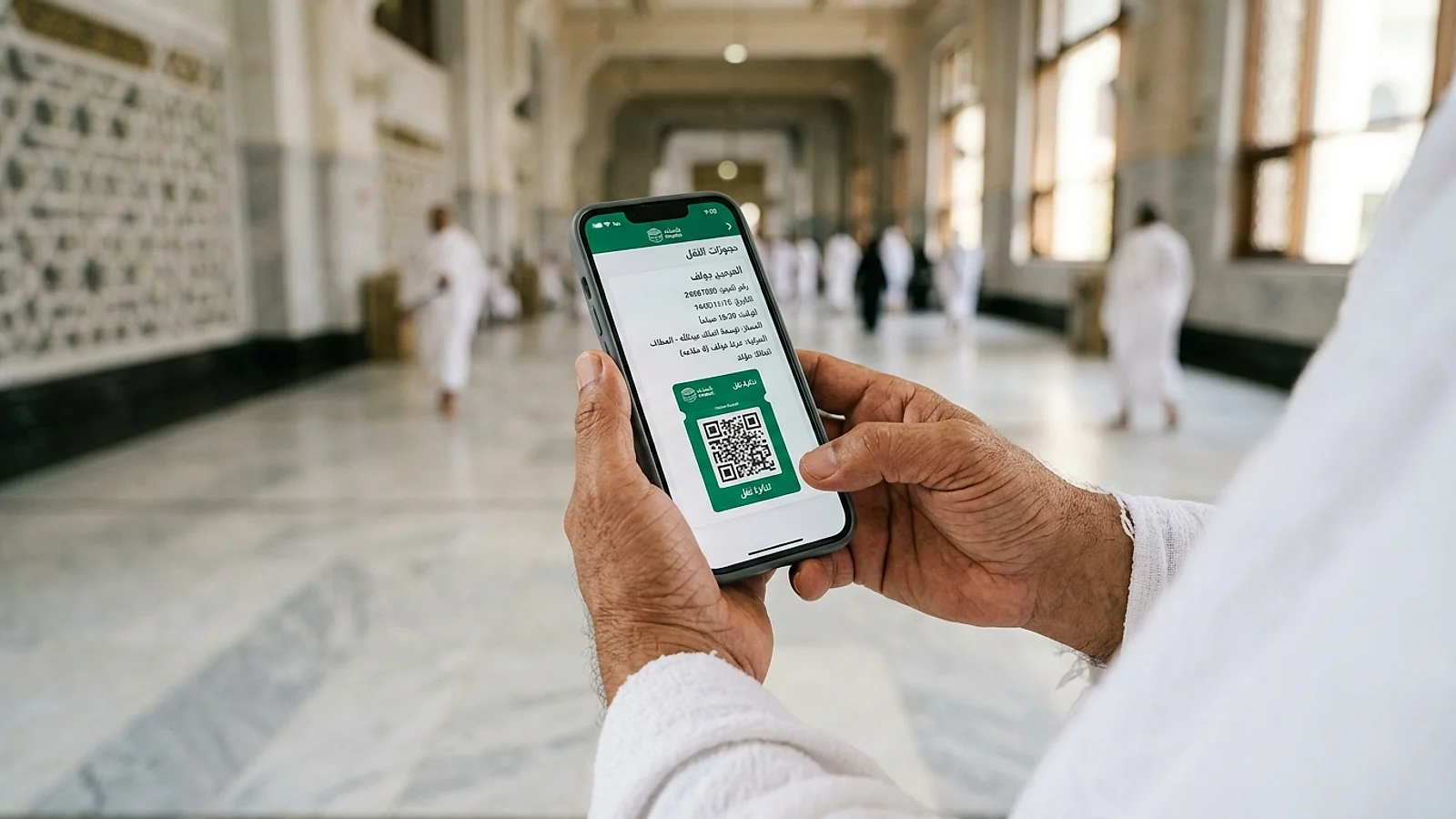
As part of Saudi Arabia's comprehensive Vision 2030 digital infrastructure for the Two Holy Mosques, all transport operations are managed centrally through two official platforms: the Nusuk App and the Unified Tanaqqol Platform. This automated framework has eliminated physical queuing bottlenecks, ended unauthorized third-party broker exploitation, and guarantees pilgrims reserved cart capacity tied directly to verified arrival slots.
In this 2026 procedural manual, we present an exhaustive technical walkthrough of both platforms. Discover how to execute seamless bookings, overcome international payment rejections, manage OTP delays, and synchronize reservations with Tawaf & Sa'i Cart Bookings and official Cancellation & Refund Policies.
Nusuk App vs Unified Tanaqqol Web Portal Differences
Pilgrims frequently wonder whether to install the mobile app or access the browser portal. Review the functional distinctions below:
| Comparison Matrix | Nusuk Smartphone App | Unified Tanaqqol Portal (carts.alharamain.gov.sa) |
|---|---|---|
| Access Channel | Native app installed on iOS or Android | Direct web browser access on smartphone or laptop |
| Authentication | Nafath Single Sign-On or International Account | Passport / National ID, mobile number, and birthdate |
| Device Storage | Requires local memory and periodic updates | Zero installation required; ultra-fast loading |
| Permit Synchronization | Automatically links to active Umrah permit slots | Allows manual entry matching individual itineraries |
| Ideal Audience | Pilgrims carrying high-end mobile devices | Pilgrims with limited data or relatives booking remotely |
Step-by-Step Guide for Booking inside Nusuk App
Follow these exact operational steps within the active Nusuk interface:
- Launch and Authenticate: Open the Nusuk application and ensure your app version is up-to-date.
- Navigate to Grand Mosque Services: From the homepage, select "Services for the Grand Mosque", then tap "Mobility and Cart Services".
- Select Vehicle Class: Choose between a shared chauffeured golf shuttle, an individual self-driven scooter, or a double 2-passenger scooter. Read our companion feature on Grand Mosque Electric Cart Bookings.
- Designate Ritual Scope & Staging Hub: Select Full Umrah (Tawaf & Sa'i), Tawaf only, or Sa'i only, followed by your preferred pickup location (e.g., Ajyad Bridge Station or First Floor Mezzanine).
- Assign Beneficiary Details: Select registered companions linked to your profile or input a new traveler's passport number.
- Execute Electronic Payment: Pay via Mada, Visa, Mastercard, or Apple Pay, confirming via your bank's 3D-Secure OTP.
- Store the Digital Barcode: Immediately capture a screenshot of the generated QR ticket and archive it in your favorites.
Direct Browser Booking via carts.alharamain.gov.sa
The web-based Tanaqqol platform offers a rapid alternative without software overhead:
- Open your mobile browser and navigate to
carts.alharamain.gov.sa. - Select your preferred display language from the header menu.
- Input your identification details: Passport Number for international guests, or Iqama/National ID for Saudi residents.
- Select facility: "The Grand Mosque in Makkah".
- Choose your required 2-hour arrival window based on current availability indicators.
- Complete encrypted card checkout to receive your instantly downloadable ticket.
Troubleshooting Payment Declines and OTP Delays
Encountering a booking error during high-traffic seasons? Implement these proven technical remedies:
1. International Payment Card Declines:
Foreign banks often trigger fraud protection blocks on transactions originating in the Middle East. Remedy: Contact your issuing bank to whitelist Saudi merchants, or process checkout utilizing Apple Pay, which achieves an exceptional 99.8% approval rate across Saudi gateways.
2. Delayed One-Time Password (OTP) SMS:
Dense crowd concentrations around the central plaza occasionally congest cellular roaming carriers. Always initiate bookings while connected to high-speed hotel Wi-Fi before walking out to the Mosque plazas.
3. Bank Debited Without Ticket Issuance:
This edge-case occurs during network drops at the exact instant of payment verification. Wait 15 minutes and refresh your "Active Bookings" tab. If no ticket appears, Saudi banking protocols mandate an automatic reversal to your card balance within 48 business hours.
Rescheduling Time Slots and Adding Beneficiaries
The automated system allows logistical adjustments to accommodate unexpected delays:
- Rescheduling: You may adjust your reservation window once free of charge, provided changes are submitted at least 2 hours prior to the original slot.
- Cancellations & Refunds: Submitting a cancellation at least 3 hours prior entitles you to a full refund to your original payment card. Explore our comprehensive Cancellation & Refund Directives.
- Adding Companions to Double Carts: Passenger assignments can be amended at any point prior to physical check-in at the station gate.
Frequently Asked Questions Regarding Digital Booking
Can I book a cart for an elderly parent in Makkah from my home country?
Yes! You can complete the reservation remotely from abroad using your parent's passport details and forward the resulting QR barcode image via WhatsApp or email for them to scan at the gate.
Are digital booking fees higher than in-person rates?
No. Government-regulated tariffs are strictly identical across digital portals and physical stations (57.50 SAR for single circuits, 115 SAR for full Umrah). View our Haram Cart Pricing Guide.
For immediate technical troubleshooting or booking support, connect directly with our 24/7 On-Ground Support Team.